Skip to content
AI
Menu
WorkspaceCreateExamplesUse casesGuidesGet started
CreateExamplesUse casesGuides
WorkspaceGet started

Before and after examples

Compare matching sources and editable SVG redraws. These are prepared examples, not live conversions.

Alpine mark

Alpine mark raster source
Before · raster
Alpine mark editable vector redraw
After · vector

The pixels blur together at the corners. The redraw replaces them with closed, editable shapes.
SVGOpen comparison Fix a blurry logo

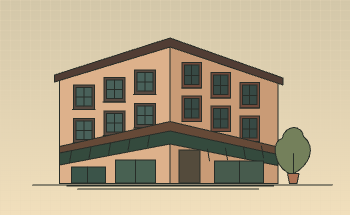
Corner café

Corner café raster source
Before · raster
Corner café editable vector redraw
After · vector

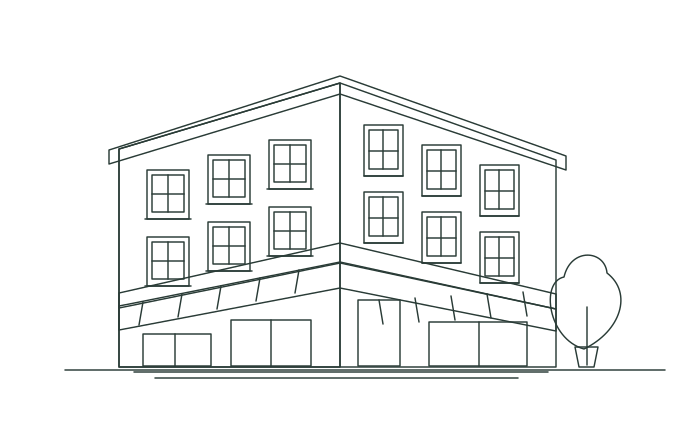
Window and awning edges read more clearly, but the SVG is not a measured elevation.
SVGOpen comparison Explore architecture workflows

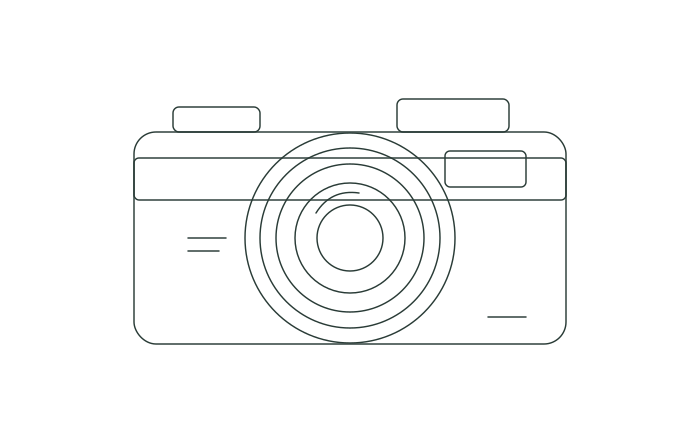
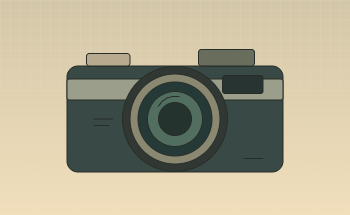
Vintage camera

Vintage camera raster source
Before · raster
Vintage camera editable vector redraw
After · vector

The lens rings can be selected separately. Check that small controls still read at the final size.
SVGOpen comparison Explore technical illustrations

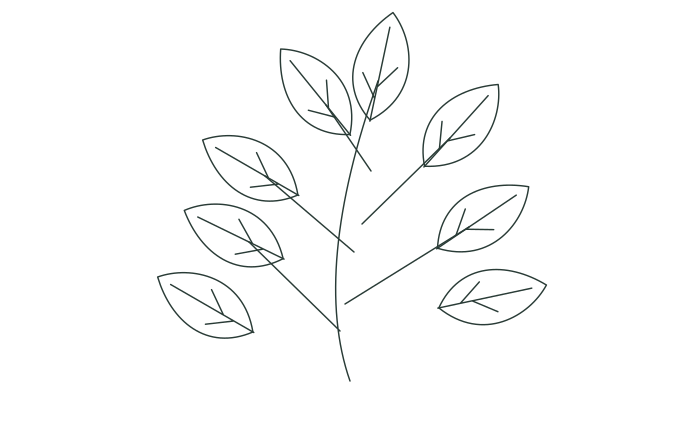
Botanical study

Botanical study raster source
Before · raster
Botanical study editable vector redraw
After · vector

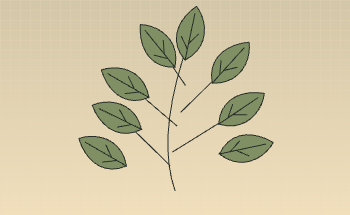
The main contour and veins stay separate so you can simplify the drawing without losing its shape.

SVGOpen comparison Digitize a hand drawing
AI

Image-to-vector workflows for branding, illustration, print, and fabrication.

CreateImage to SVGJPG to SVGPNG to SVGRaster to Vector
Use casesVector Linework for ArchitectureSVG Artwork for Laser CuttingVector Shapes for IllustrationRebuilding and Cleaning Up a Logo
ResourcesRaster vs. Vector: Which Should You Use?How to Prepare an Image for Vector RedrawHow to Check an SVG Before Sharing ItLaser Cutting SVG Preflight Checklist
Product & companyBenefits of vector graphicsWhat you can makeExamplesHow it worksHelp centerPrivacy
Browse PicVec AI
ConvertersUse casesGuidesBenefitsWorkflowsExamplesHow it works
HelpPrivacy
© PicVec AI