Image to SVG
Use SVG when you need to edit shapes or scale artwork. The workflow is to choose a source, select an available style, compare the result, then export editable paths if the job supports SVG.
Try image generation
Checking generation availability…
Supported inputs, styles and downloads appear only when the connected workflow reports them.
- Prepare your source
- Start with a clean image and choose whether the output should preserve filled regions or mostly outlines.
- Check the result
- In your vector editor, select individual paths to confirm the SVG does not simply embed the source bitmap.
On this page
Choose a subject with clear edgesDecide what each shape should doReview the result at two sizesPrepared artwork reference
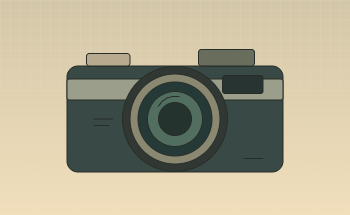

This reference illustrates the geometry. It is not a PicVec AI engine result.
Compare and download the referenceChoose a subject with clear edges
A stencil, pictogram, or flat illustration gives you boundaries you can identify and redraw. A shaded photograph offers many possible boundaries but few obvious ones. If the subject still reads as a one-color silhouette, you have a useful starting point for a simplified SVG.
Decide what each shape should do
Give major color regions their own filled shapes, and use strokes for details you want to keep as lines. Rebuild obvious circles and rectangles with primitives rather than outlining their pixel edges. Keep small holes or gaps only when they contribute to the design at its intended size.
Review the result at two sizes
After building the artwork in a vector editor, view it at its smallest intended size to check legibility. Then enlarge it and look for flat spots on curves, open seams between neighboring colors, and stray marks outside the subject. Compare against the source for proportion rather than demanding a pixel match.
Common questions
Does a .svg filename mean the artwork is vector?
No. SVG can embed a bitmap inside an image element. That bitmap still has a fixed number of pixels.
Is the demo SVG made from my previewed image?
No. The local preview shows your source image, while the demonstration SVG is built in and independent of that image.